
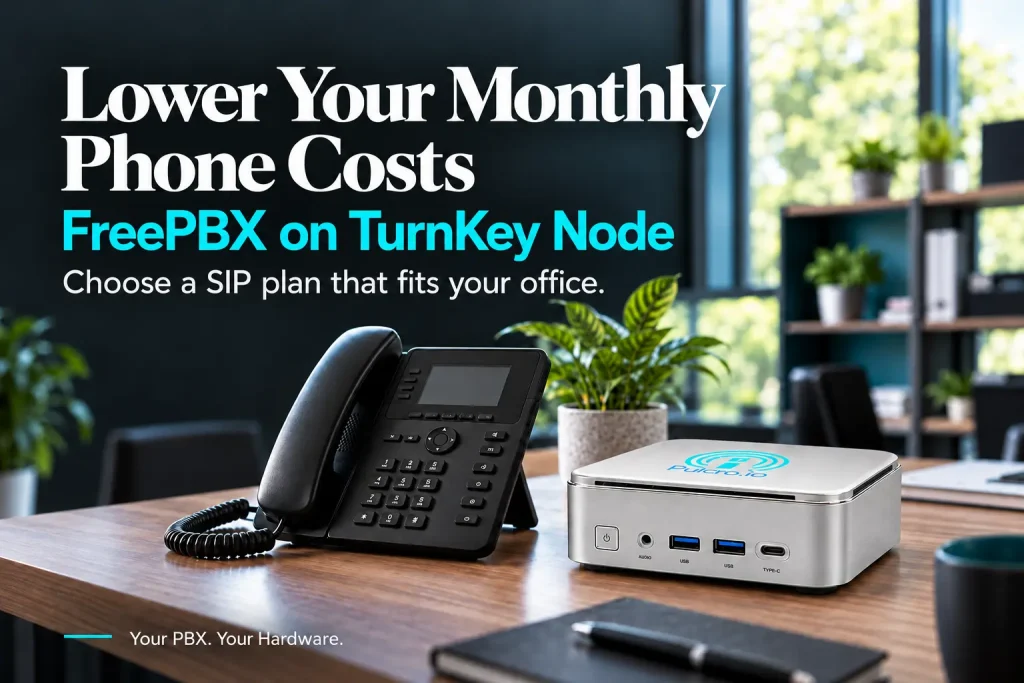
Ten employees. One main phone number. Another monthly phone bill.
You need callers to reach the right person, leave a voicemail, or get through to your team. But when you look at the subscription total, it is worth asking: could we handle these everyday phone functions on equipment we own?
If rising renewal quotes, security concerns, or dependence on outside platforms have you reconsidering the cloud, your business phone system is a practical place to start. A local PBX lets you bring call management back into your office while continuing to buy outside calling from a SIP provider.
The Pulcro.io TurnKey Node starts at $222 with FreePBX preinstalled and is assembled in the USA. It gives small businesses and IT professionals an affordable foundation for a self-hosted PBX, with the freedom to choose their calling provider and configure the system around their own workflow.
What could that mean for your monthly bill? Below, we walk through five reasons to consider a FreePBX mini PC, including a three-year cost example for a ten-person office.
Top five reasons at a glance
Explore the benefits of running your business phone system on a TurnKey Node:
- Reduce recurring phone system costs – Run your PBX locally and choose SIP service that fits your actual calling needs.
- Keep control of your PBX and its data – Manage access, storage, and updates on equipment you own.
- Get business phone features starting at $222 – Start with FreePBX preinstalled on an affordable mini PC.
- Expand your system as your business grows – Add extensions and upgrade hardware or calling capacity as needed.
- Choose a mini PC assembled in the USA – Build your local phone system around a Pulcro.io TurnKey Node assembled in the United States.
What is FreePBX and how does Asterisk fit in
Asterisk is the open-source communications engine at the heart of the system. FreePBX adds a browser-based management interface, helping administrators configure the PBX without building everything directly through configuration files. [1]
Think of a caller hearing, “Press 1 for sales, or 2 for accounts.” Sales calls ring the right team. Unanswered calls go to voicemail. Employees transfer callers to a colleague. FreePBX provides features such as extensions, voicemail, call transfers, ring groups, call queues, and interactive voice menus to build those workflows. [2]
FreePBX’s core software is free to download and use. Hardware, calling service, and optional commercial modules are separate costs. [3]
With the TurnKey Node, the software is already installed. You can move on to configuring your business phone system.
1. Reduce recurring phone system costs
A hosted business phone package typically combines two things: the PBX that manages your phones and the service that connects calls to the outside world.
That bundle is convenient. But if your office mainly needs dependable calling, extensions, and voicemail, take a look at how much you pay for the whole package each month.
With FreePBX on a TurnKey Node, those roles are separate:
- The Node runs your PBX locally, managing your extensions and call handling.
- A compatible SIP trunk provider supplies outside calling, along with phone numbers and the calling capacity you purchase.
This distinction can make a substantial difference to recurring costs. Instead of paying a hosted PBX subscription for every employee, you can choose a SIP plan based on your phone numbers, call volume, and simultaneous calling needs.
SIP pricing varies. Some providers charge by usage, while others offer plans based on concurrent call capacity or bundled minutes. Phone numbers and emergency calling may carry separate charges. [4]
A ten-person office does not necessarily need ten simultaneous outside calls or ten separate public phone numbers. If employees share a main business number and only a few make outside calls at once, a suitable SIP plan may cost considerably less than ten hosted seats.

Picture a small office with ten extensions but only three outside calls happening at its busiest moment. The carrier plan should reflect that calling demand, with room for peaks. Start with how your office actually uses the phones.
The PBX stays local. Your carrier still connects your calls.
A three-year cost example for a ten-user office
Consider a hypothetical office with ten employees using compatible phones it already owns.
For illustration, assume a hosted PBX costs $25 per user per month, while a local system uses a $222 TurnKey Node and a $50 monthly SIP service budget covering the office’s required numbers and calling usage.
These are example budgets, not provider quotes or guaranteed savings.
| Cost over 36 months | Hosted PBX | FreePBX on TurnKey Node |
|---|---|---|
| PBX hardware purchase | $0 assumed | $222 |
| Monthly phone service | $250 | $50 assumed |
| Phone service over three years | $9,000 | $1,800 |
| Hardware plus phone service | $9,000 | $2,022 |
Under these assumptions, the local system costs $6,978 less in hardware and phone service over three years, with a monthly service bill that is $200 lower.
At the assumed $25 per seat, adding two employees would add another $50 to the hosted monthly bill. A local PBX lets you create their extensions without a core FreePBX per-user subscription; carrier charges can still increase if those employees need more numbers or calling capacity.
This is a comparison of those two cost categories, rather than a complete ownership budget. Before making a decision, include taxes, applicable carrier and emergency-calling fees, electricity, backup power, setup, maintenance, and any paid modules. New phones, network changes, or additional internet service would also change the totals. Hosted packages may include apps, integrations, and administration that require additional spending in a local deployment.
The useful question is straightforward: how much of your current monthly bill pays for functions your own PBX could handle?
Try the numbers for your own office
Take your current monthly hosted PBX bill and subtract a SIP service estimate based on your real usage. Multiply that monthly difference by 36, then subtract your hardware purchase and additional setup and operating costs. That gives you a starting estimate of three-year savings.
For this example: ($250 – $50) × 36 – $222 = $6,978, before the additional ownership costs described above.
2. Keep control of your PBX and its data
Where do your voicemails live? Who can access your recordings? What happens when you need to restore your phone system?
These are useful questions for any business evaluating cloud security. A local PBX gives your administrator direct control over how those answers are implemented.
Your PBX configuration, voicemail, and locally stored recordings can remain on equipment under your control. You decide who can administer the system, how it is reached, and how long locally stored data is retained. Email delivery, external backups, integrations, and carrier services can still send information outside your network, depending on your configuration.
Local hosting also puts maintenance decisions in your hands. That control comes with responsibility: keep the operating system and PBX modules updated, restrict administrative access, protect credentials, and maintain recoverable backups. FreePBX publishes security advisories and fixes, so updates should be part of routine administration. [5]
A local PBX is not automatically more secure than a managed cloud platform. Its advantage is that you can design and maintain the system around your own access and data policies.
3. Get business phone features starting at $222
You do not have to spend thousands of dollars on a PBX appliance to get started with an Asterisk-based phone system.
Starting at $222, the TurnKey Node puts FreePBX on a compact computer assembled in the USA. That makes it an accessible starting point for a small office, a replacement PBX project, or an IT professional deploying a system for a client.
For a small office, that could mean a main number, a sales ring group, an accounts extension, and voicemail for each employee. You can build around the way your team works, then add complexity when there is a reason to.
The Node arrives with FreePBX preinstalled; your extensions, phones, SIP trunk, and inbound and outbound routes still need to be configured.
4. Expand your system as your business grows
Your next hire needs an extension. Later, you might add a second department, more simultaneous calls, or longer recording retention. Those changes place different demands on the system.
FreePBX’s core software does not impose a per-extension licensing limit. You can add extensions as needed, while selecting hardware and carrier capacity appropriate to the workload. [2]
For a ten-user office, capacity planning should focus on simultaneous calls, recording volume, conferencing, and other processing demands. Employee count alone does not establish how much hardware a PBX needs.
The TurnKey Node provides options to upgrade memory and storage within the selected model’s limits. If the business eventually needs more processing power, FreePBX offers backup and restore tools that can help move the system to suitable hardware, with compatibility checks and testing before cutover. [2]
You can expand your calling plan, upgrade your hardware, and adjust the system as your needs change.
5. Choose a mini PC assembled in the USA
When you choose equipment that will handle everyday business calls, price and flexibility matter. For many buyers, USA assembly belongs on that list, too.
The Pulcro.io TurnKey Node is assembled in the USA, giving businesses an American-assembled option for their local PBX hardware.
With FreePBX already installed, it combines local assembly with the flexibility of an open-source phone system. You choose your configuration, connect it to your network, and configure the extensions and calling service your office needs.
For business owners and IT professionals who value USA assembly, the Node brings that purchasing priority into an affordable business phone system.
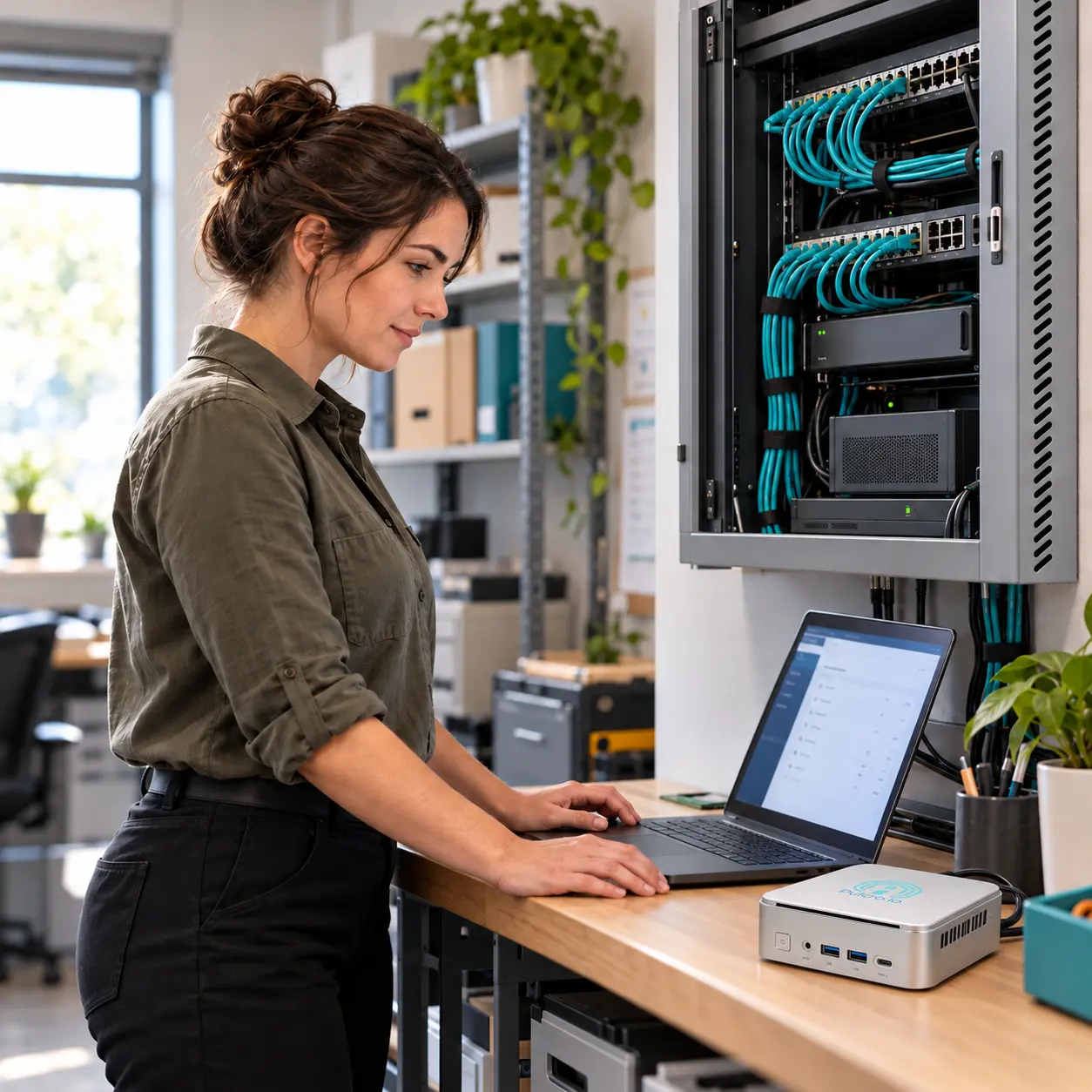
Is a local FreePBX system right for your office
A local PBX is worth a closer look if your business wants control over its phone system, can arrange ongoing administration, and has a hosted bill that leaves room for savings. Compare the features you actually use before making the move.
Internet-based outside calls still depend on your internet connection and SIP provider. Plan for power, connectivity, and backups as part of the deployment.
Before ordering, make three quick checks:
- Review the bill: How many hosted seats are you paying for, and which features do you use?
- Review your calling needs: How many public numbers and simultaneous outside calls does the office need?
- Review the deployment: Can you reuse your phones, and who will configure and maintain the PBX?
With FreePBX preinstalled, pricing from $222, and assembly in the USA, the Pulcro.io TurnKey Node gives you an affordable place to start.
Bring your phone bill to the comparison. Choose a calling plan that fits your office. Put the PBX on hardware you own.
Choose your TurnKey Node with FreePBX
FreePBX preinstalled. From $222. Assembled in the USA.