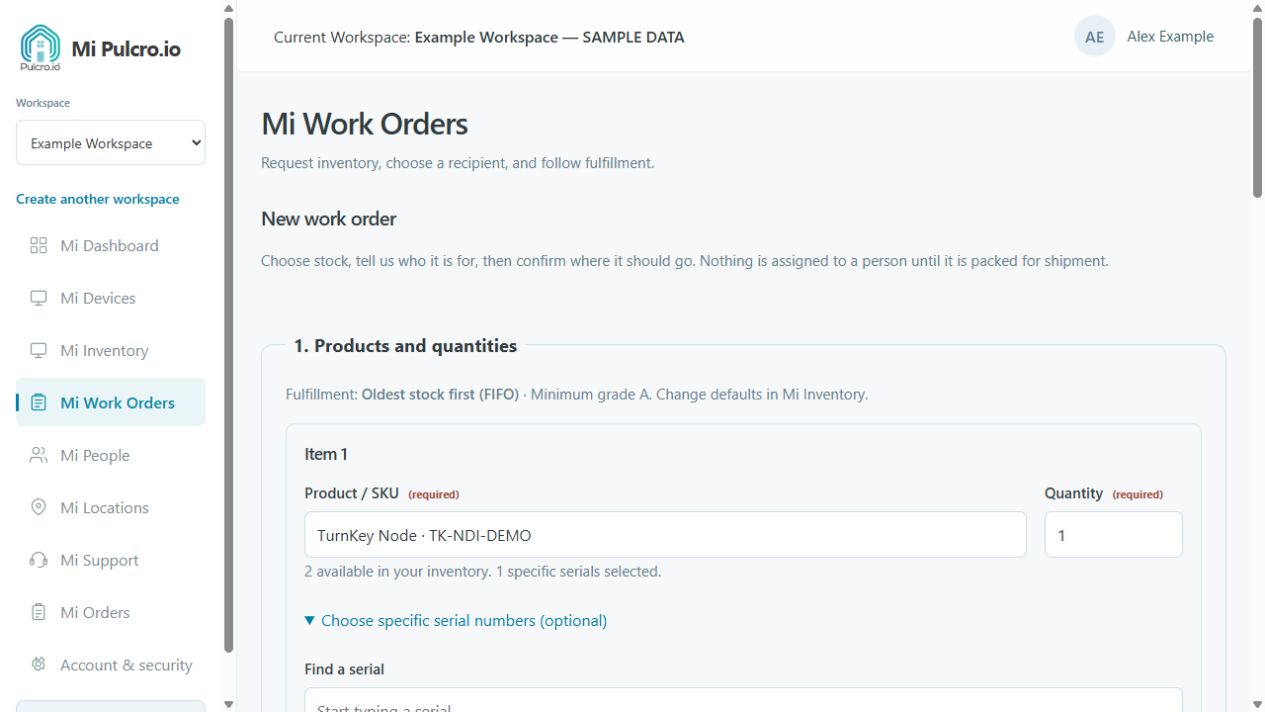
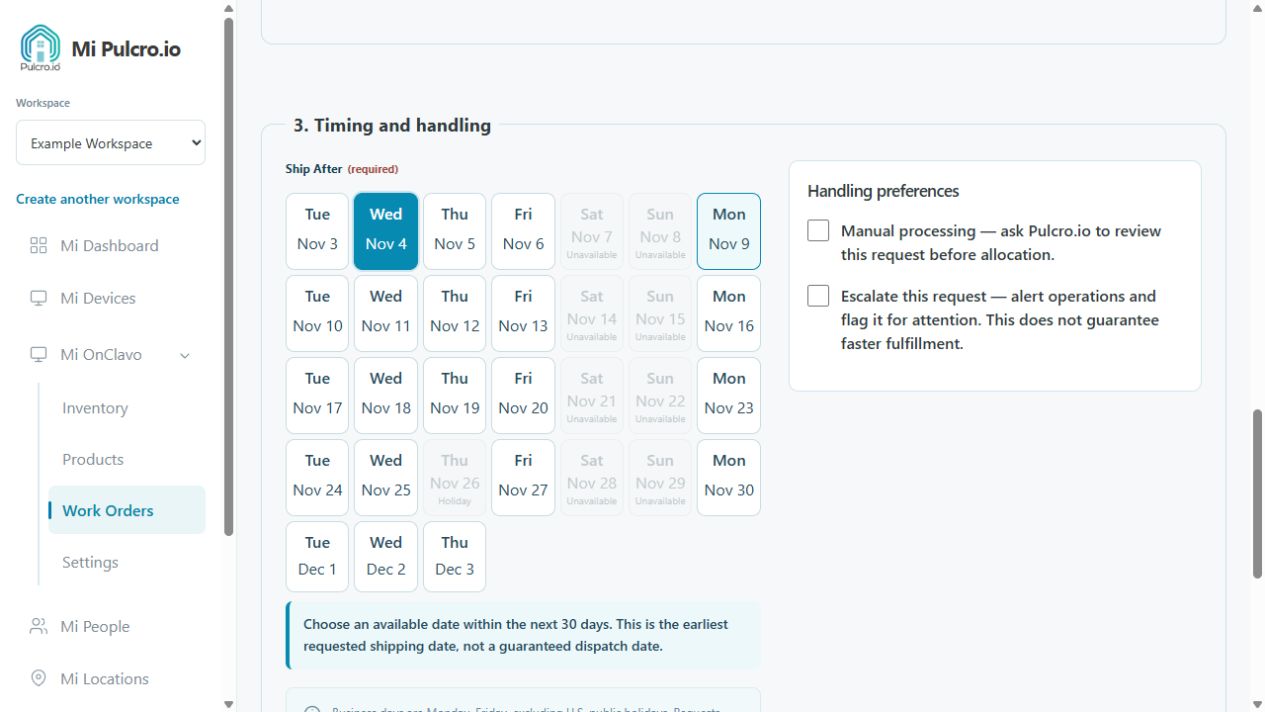
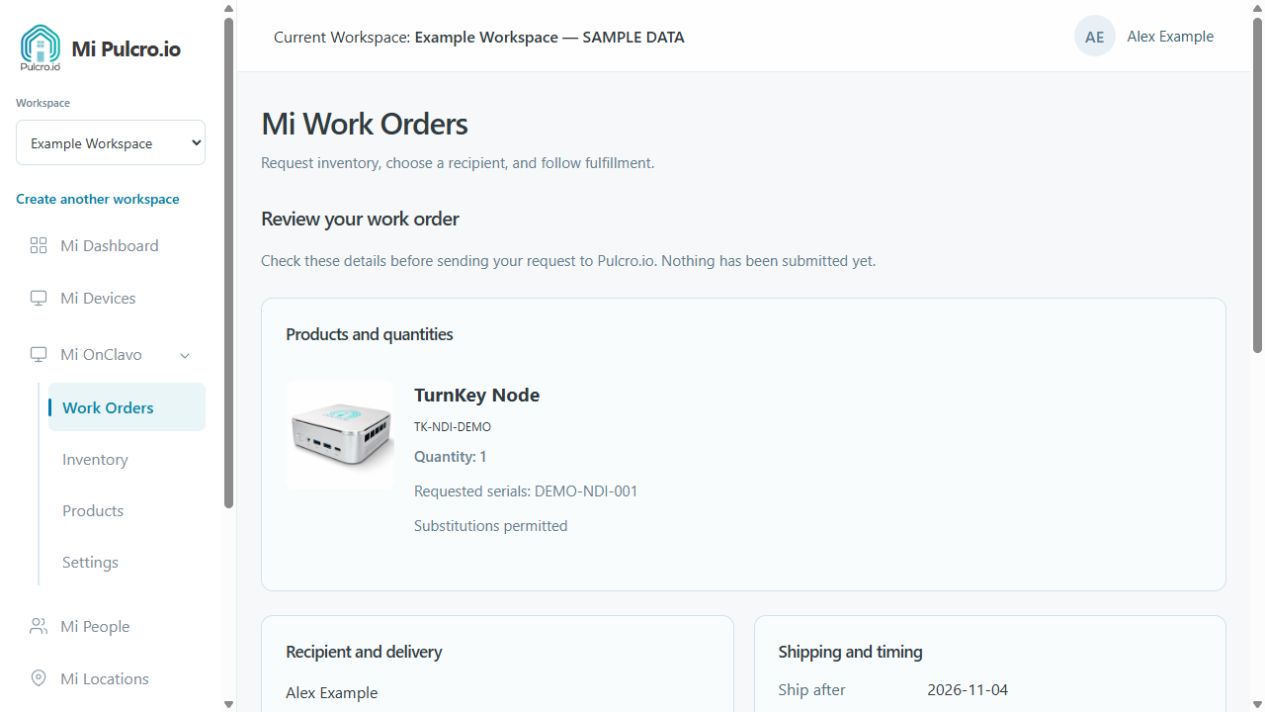
Get started in three steps.
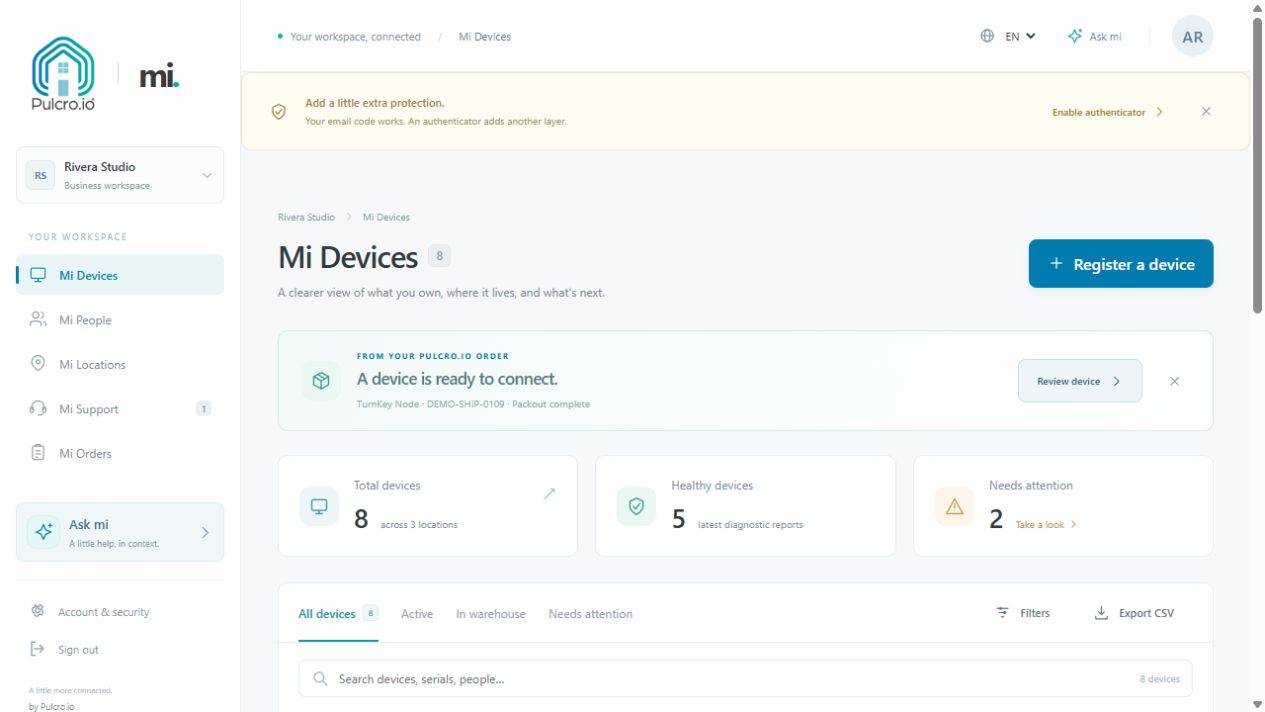
Getting started with My Pulcro gives you a place to organize your Pulcro devices and find the information you need after purchase. Use it for a Mini PC at home or to keep your team’s equipment records together.
- Open My Pulcro. Sign in or create your account using an available provider or a secure email link.
- Choose your workspace. Keep personal or business device records together.
- Connect an eligible device. Follow the purchase-verification and registration instructions, then explore the information and tools available.
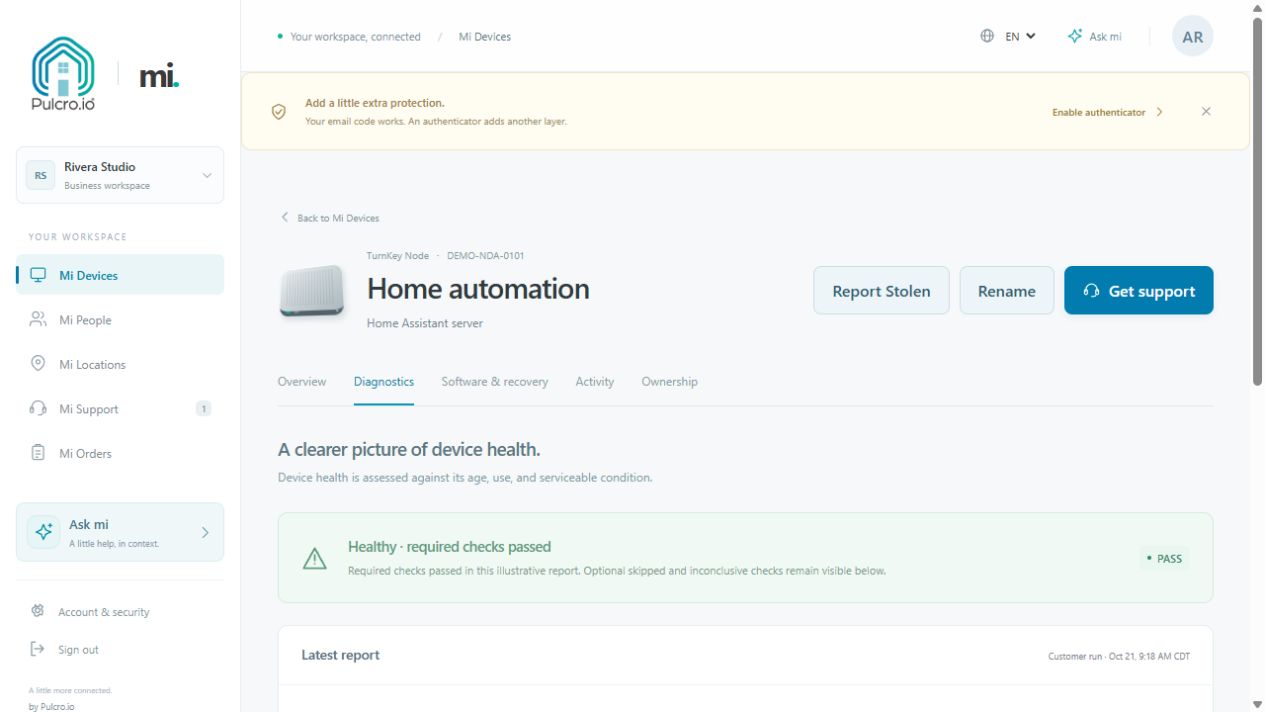
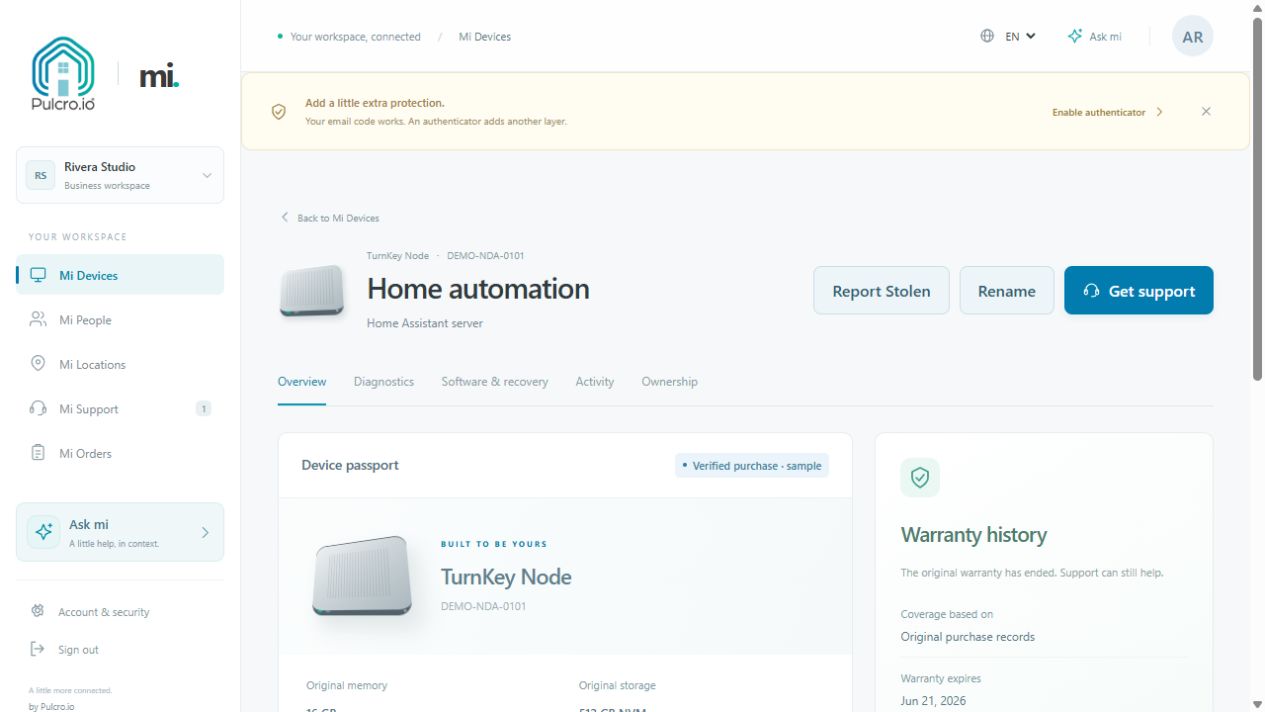
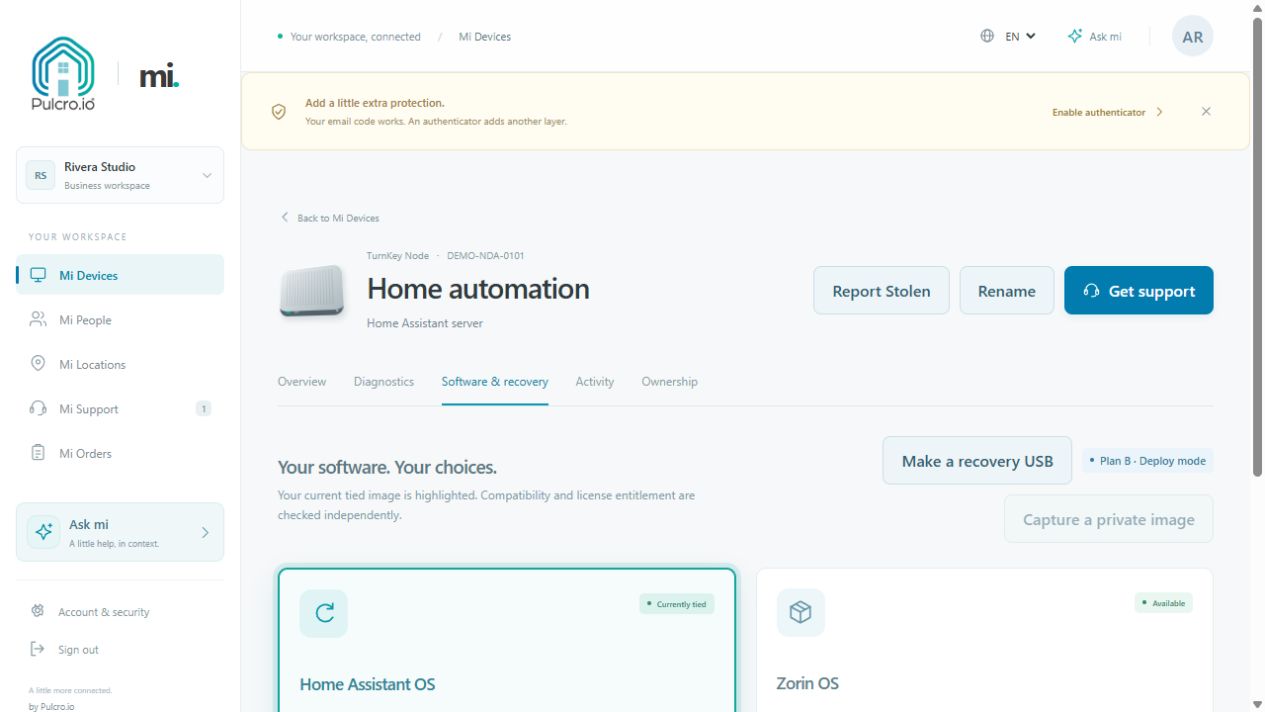
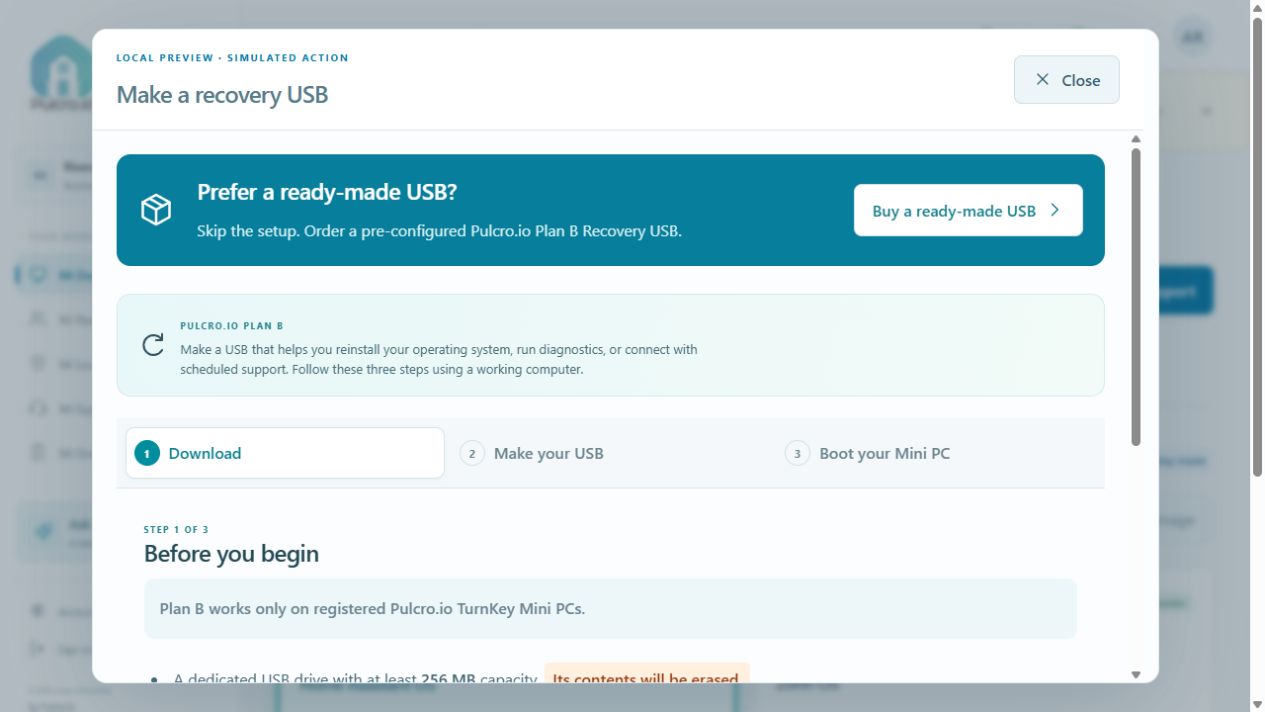
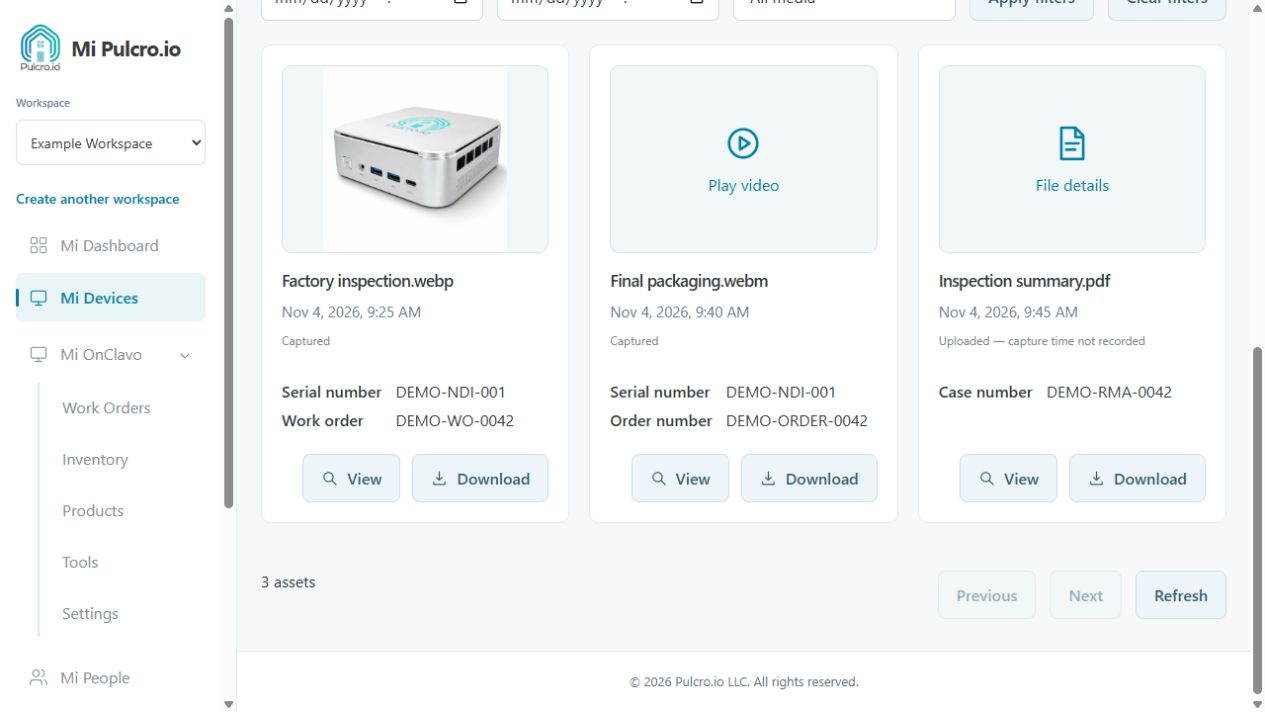
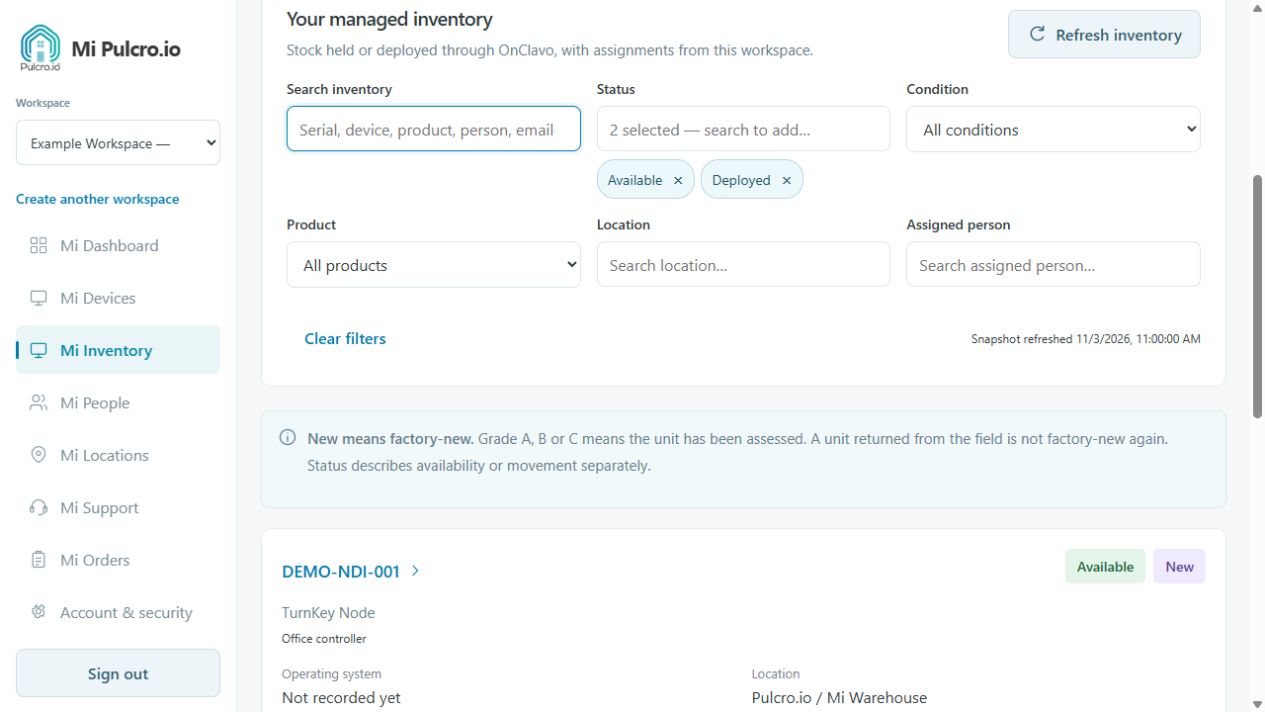
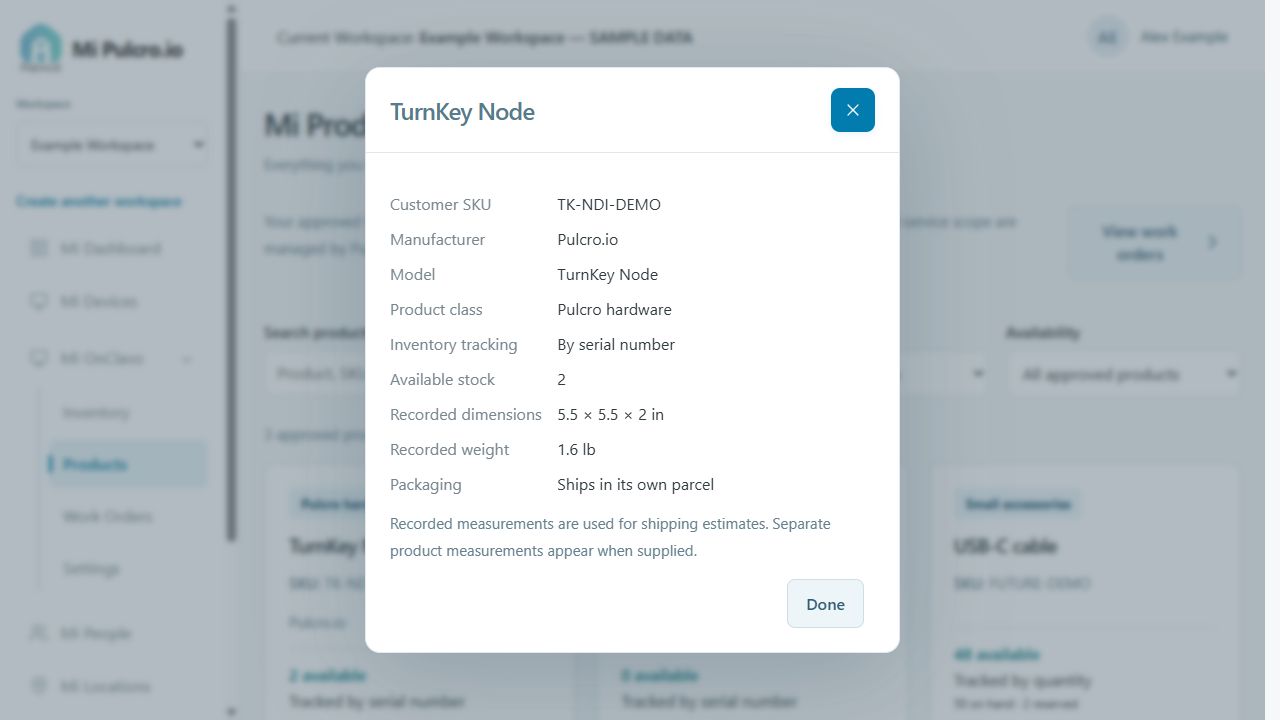
Once your device is connected, give it a recognizable name and review the information available in its record. Check purchase and warranty details, explore eligible software and recovery options, or open a support conversation with the right device already in view.
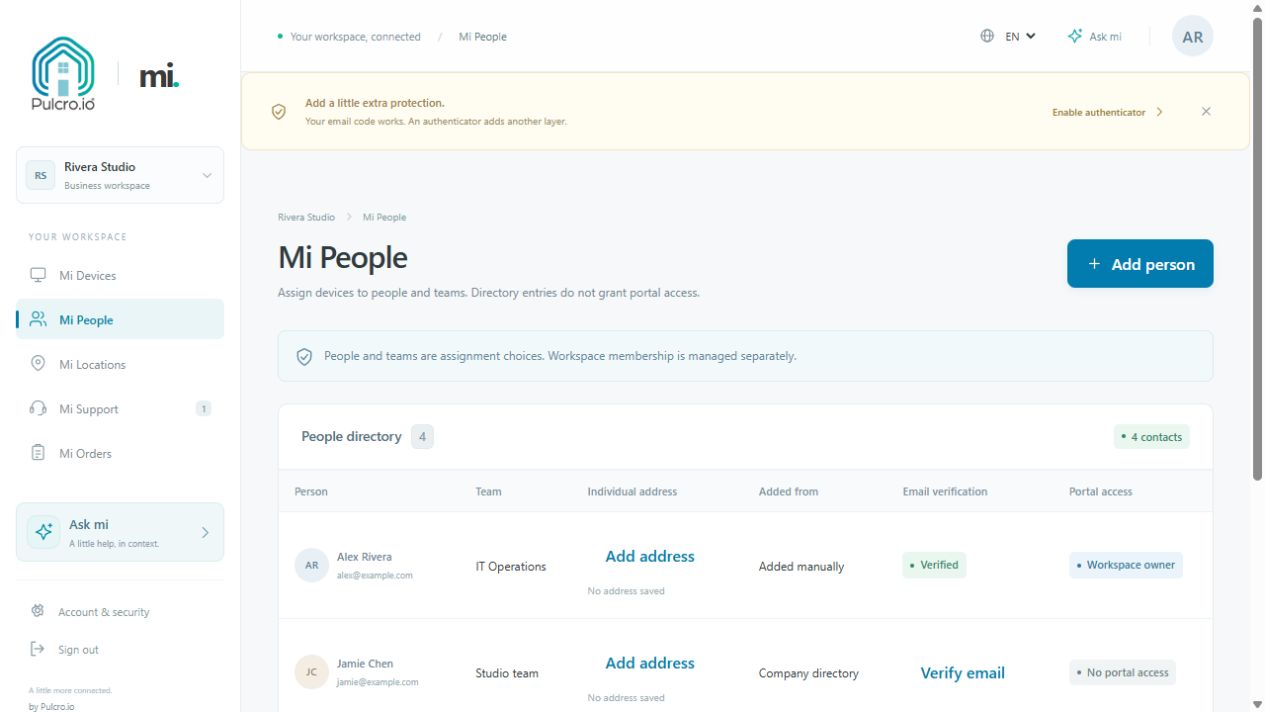
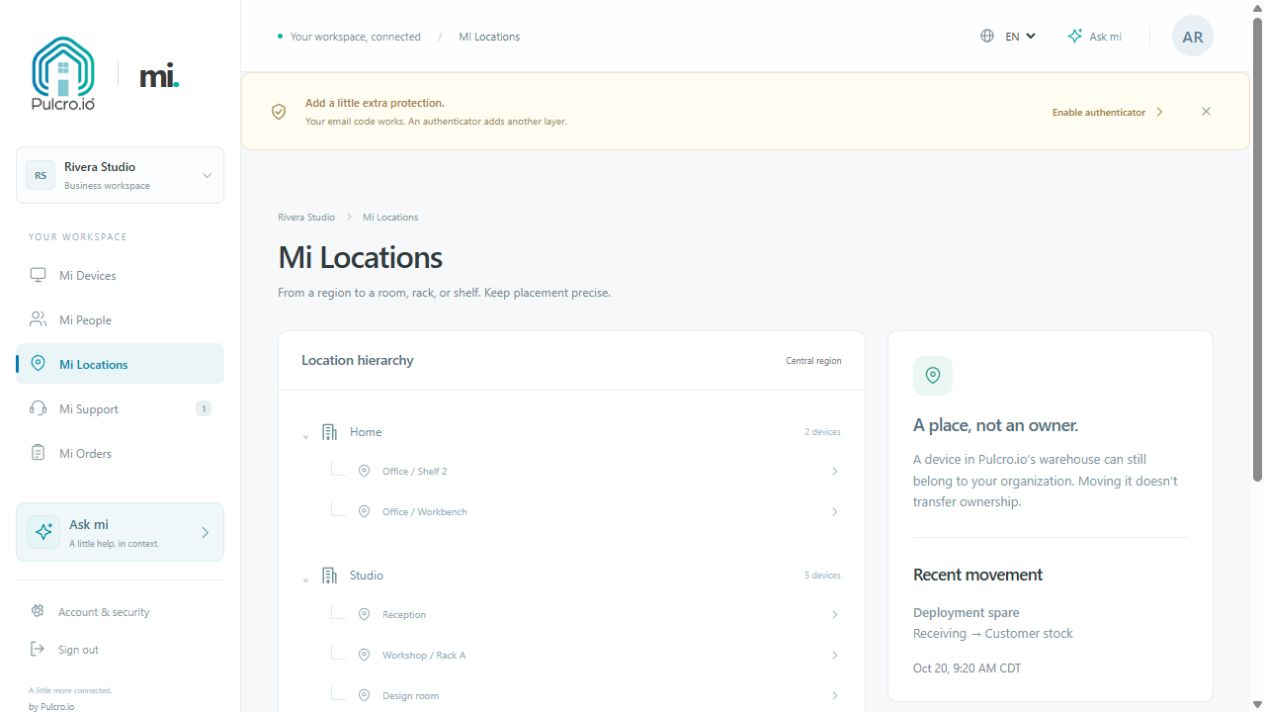
For a more organized setup, add the people and locations associated with your equipment. Clear assignments make it easier to identify which Mini PC belongs in the home office, which device supports a shared workspace, and which record to reference when asking for help.
Start with one device and build from there. My Pulcro is generally free to the public, with separate charges possible for products, shipping, repairs, software licenses, and optional services.
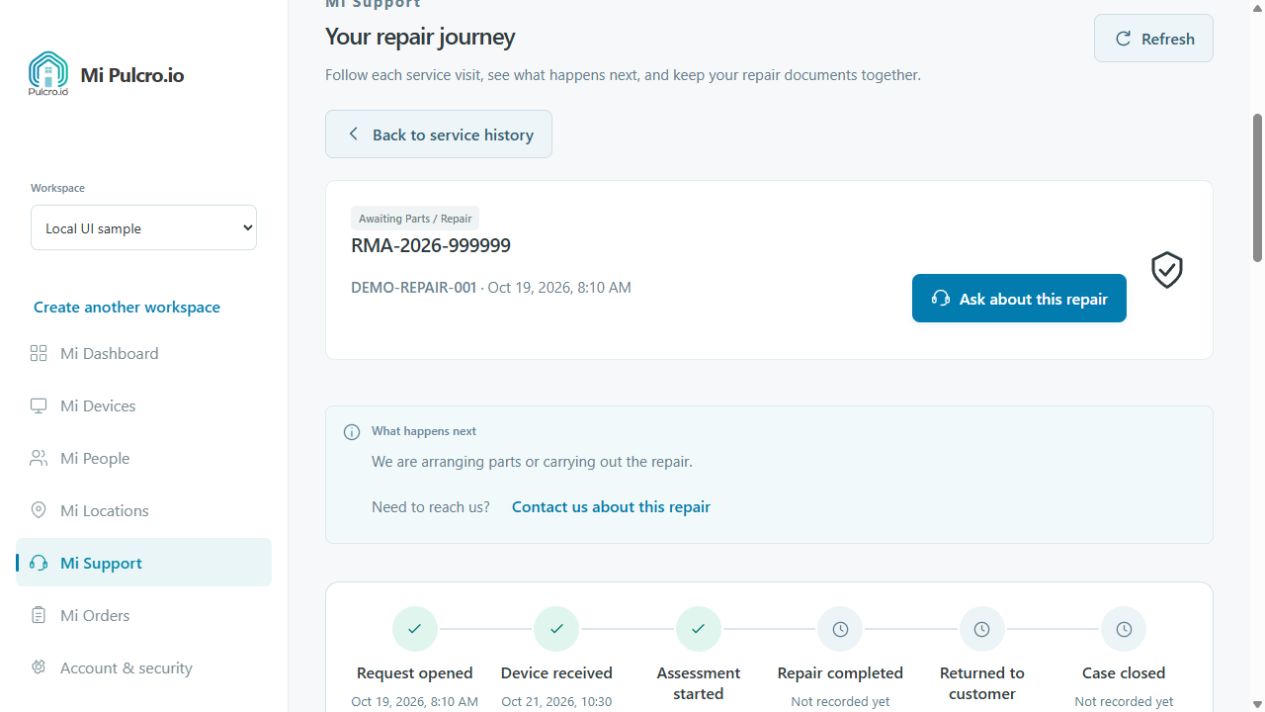
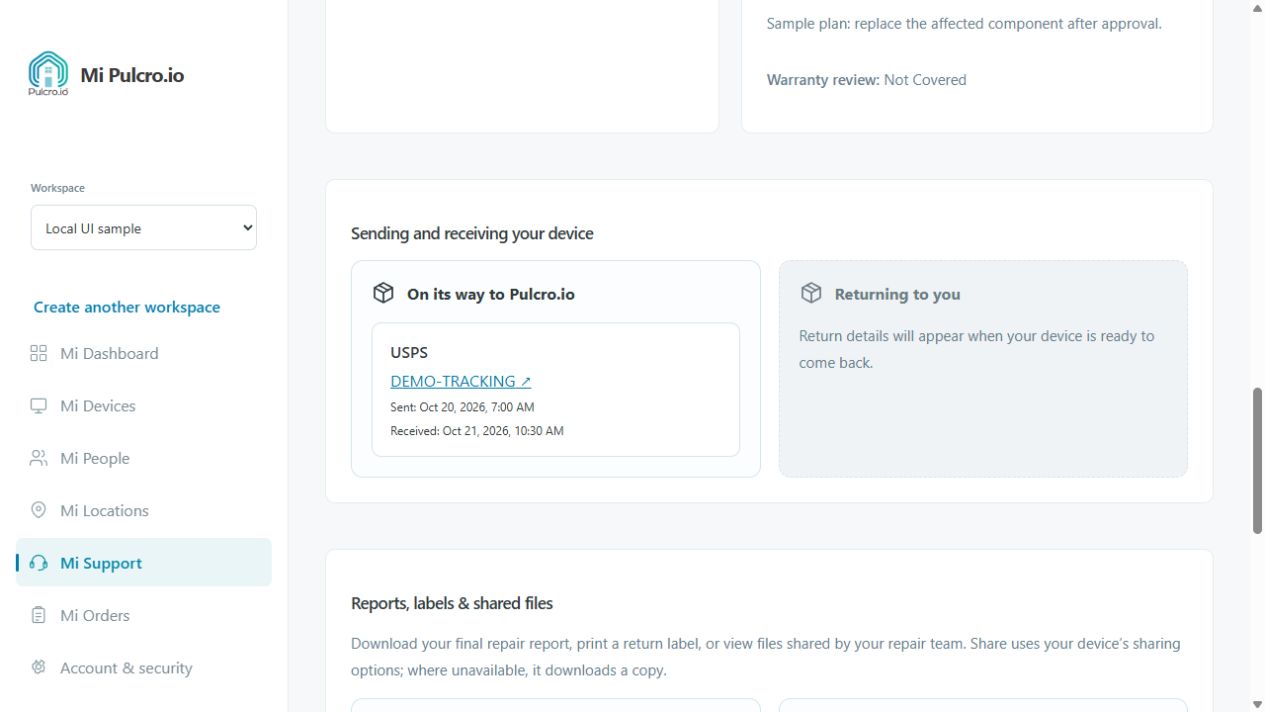
Just checking a repair? Use the public repair-status lookup with your service reference, customer email address, and return delivery ZIP code. No account is required for that lookup.